
Consent controls the view
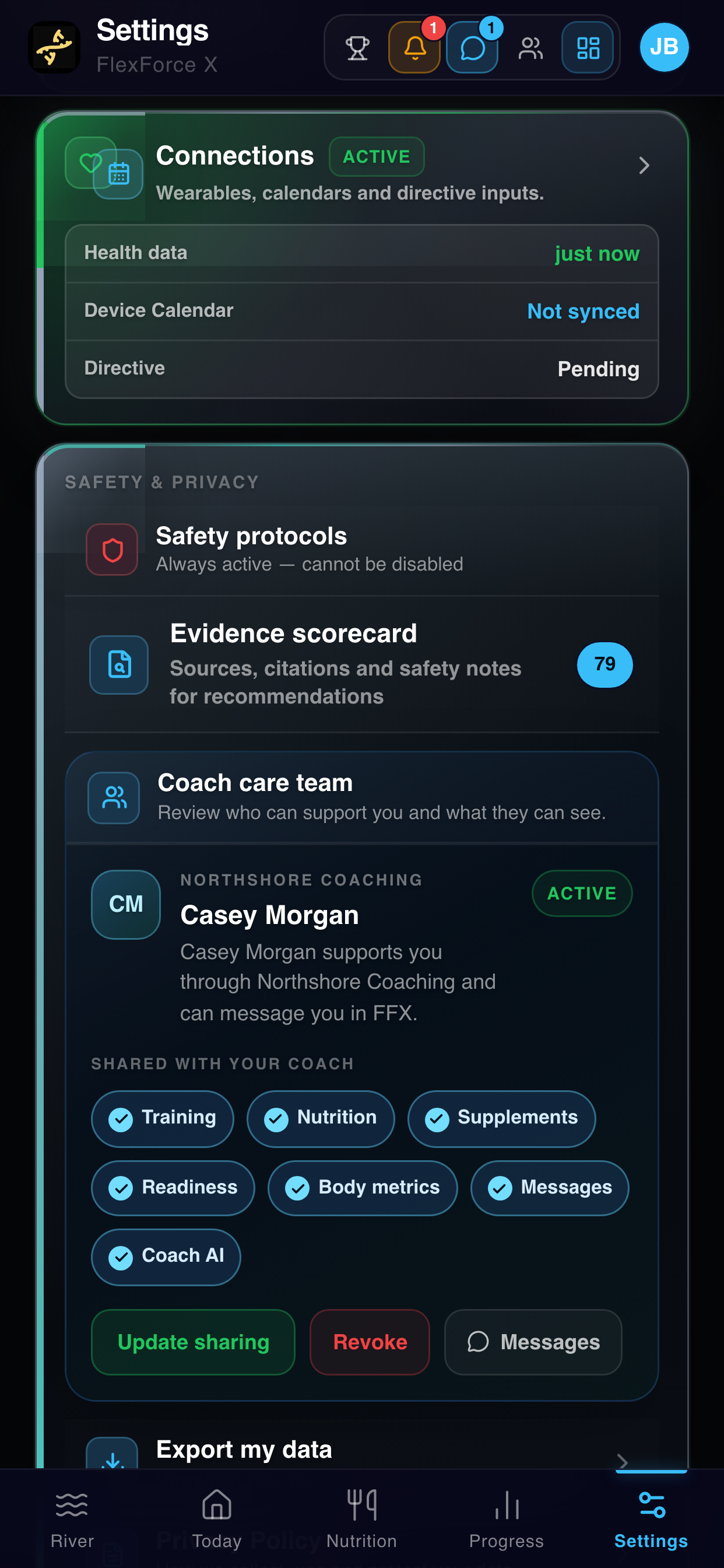
Clients choose which areas to share from their own phone. Unshared information stays explicitly unavailable instead of being treated as missing data.
FLEXFORCE X TRAINER WORKSPACE
See who needs attention, understand the evidence, guide the plan and keep client work moving—inside the sharing boundaries each client controls.
Web-based for coaches. Clients keep using the FlexForce X app on their phone.
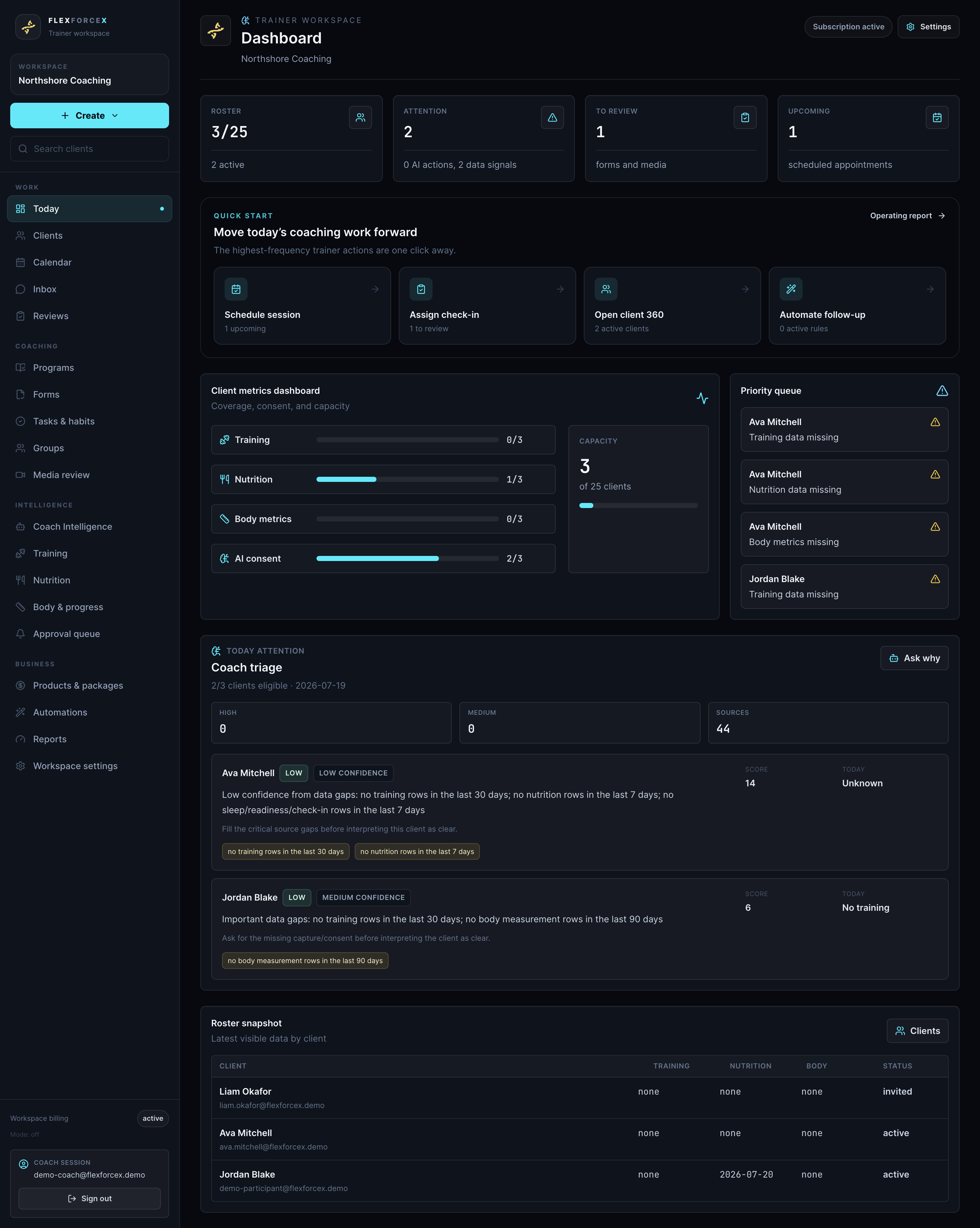
Clients choose which areas to share from their own phone. Unshared information stays explicitly unavailable instead of being treated as missing data.
Set frequency, duration and training priorities. After client approval, FlexForce X rebuilds the week inside those boundaries.
Coach Intelligence can organise evidence and prepare follow-ups, but drafted client actions remain in the approval queue until a coach reviews them.
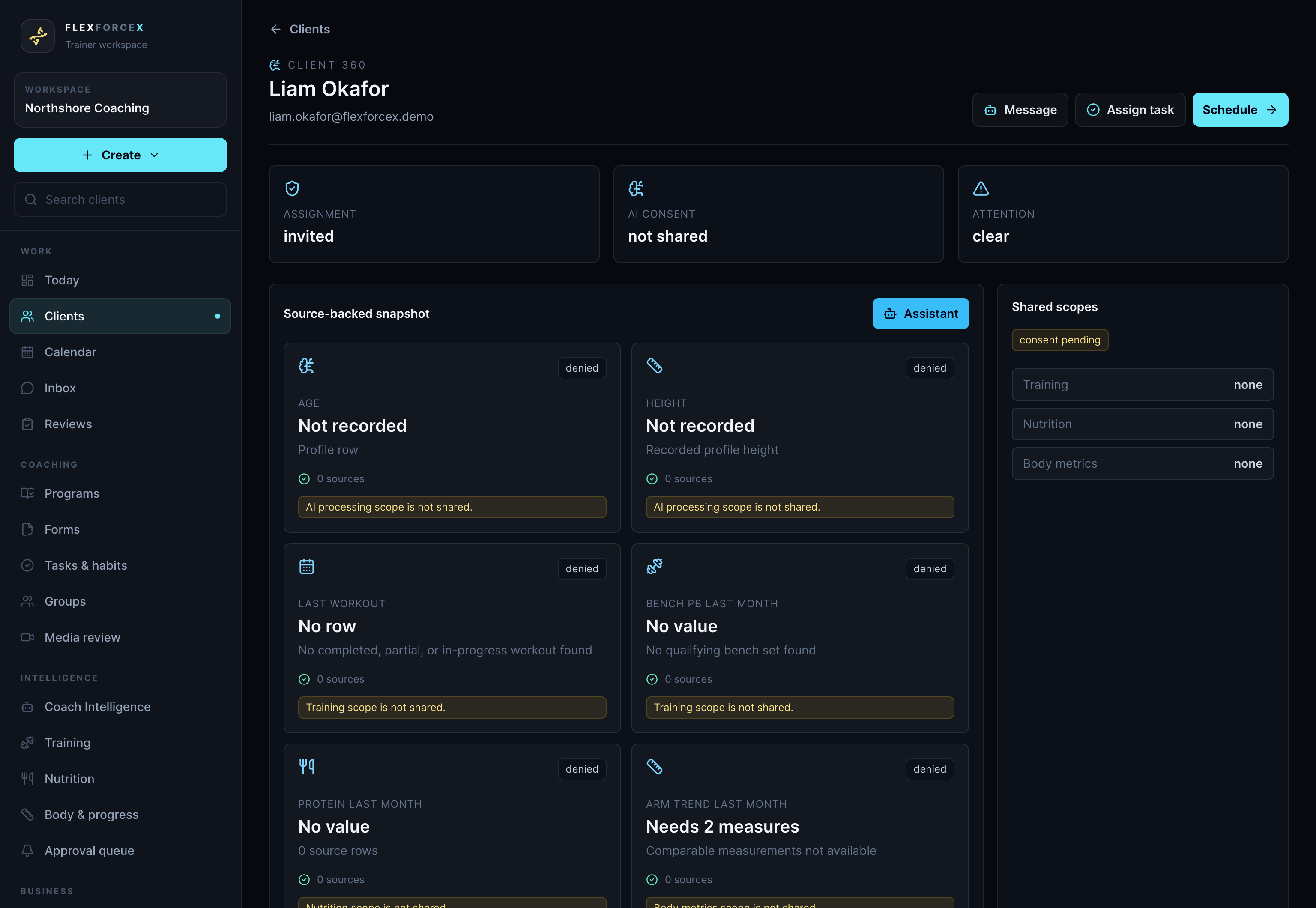
START WITH ATTENTION
The daily dashboard brings roster coverage, reviews, appointments, evidence gaps and client attention signals together. It helps you decide where to look first; it does not make the professional decision for you.
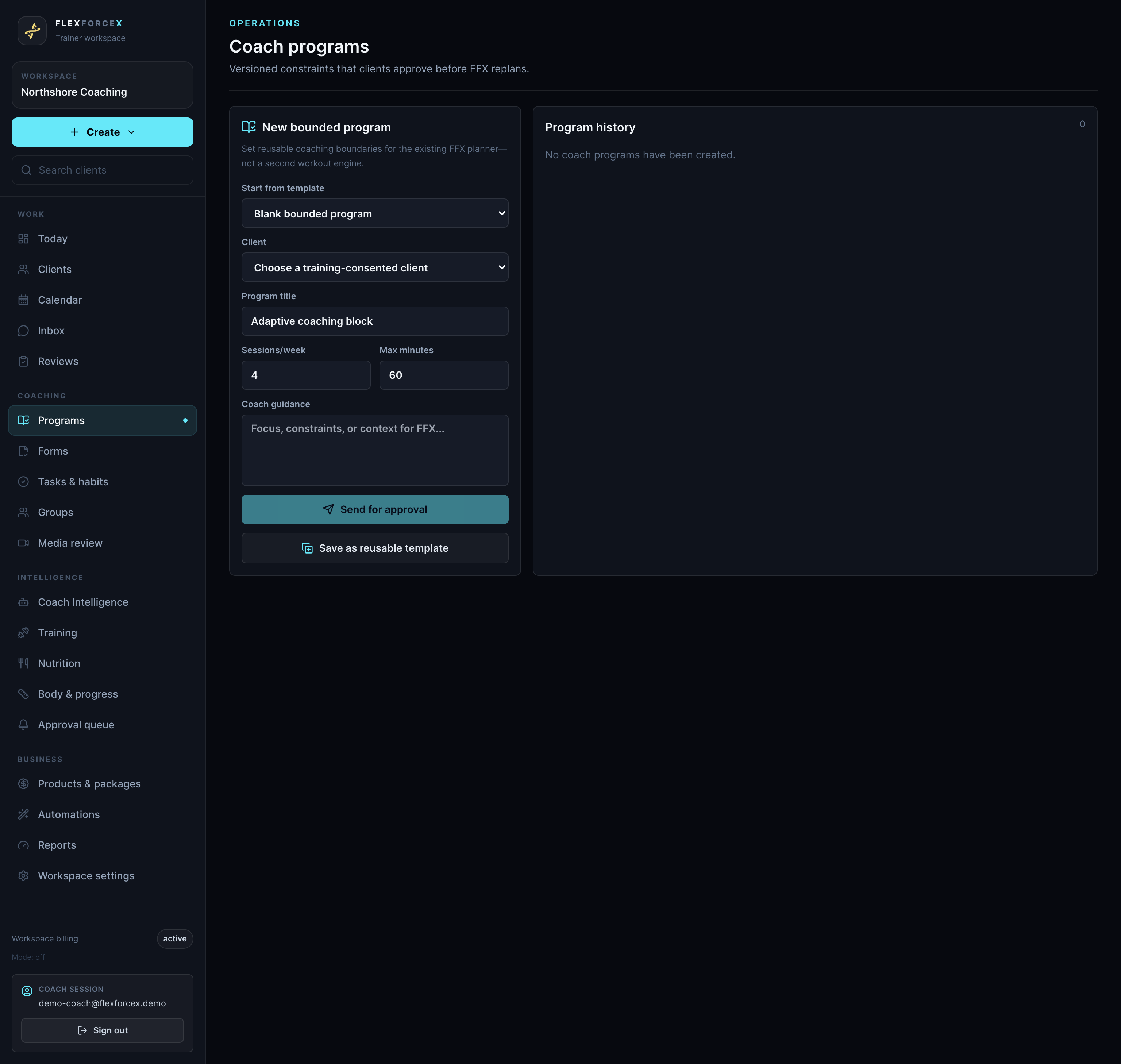
GUIDE THE PLAN
Instead of recreating workout spreadsheets, set bounded coaching constraints such as session frequency, duration and training priority. The client accepts the proposal before the planning engine rebuilds their week inside those limits.
Day overrides such as rest, reduce load or shorten remain safety-checked and should be communicated with the client.
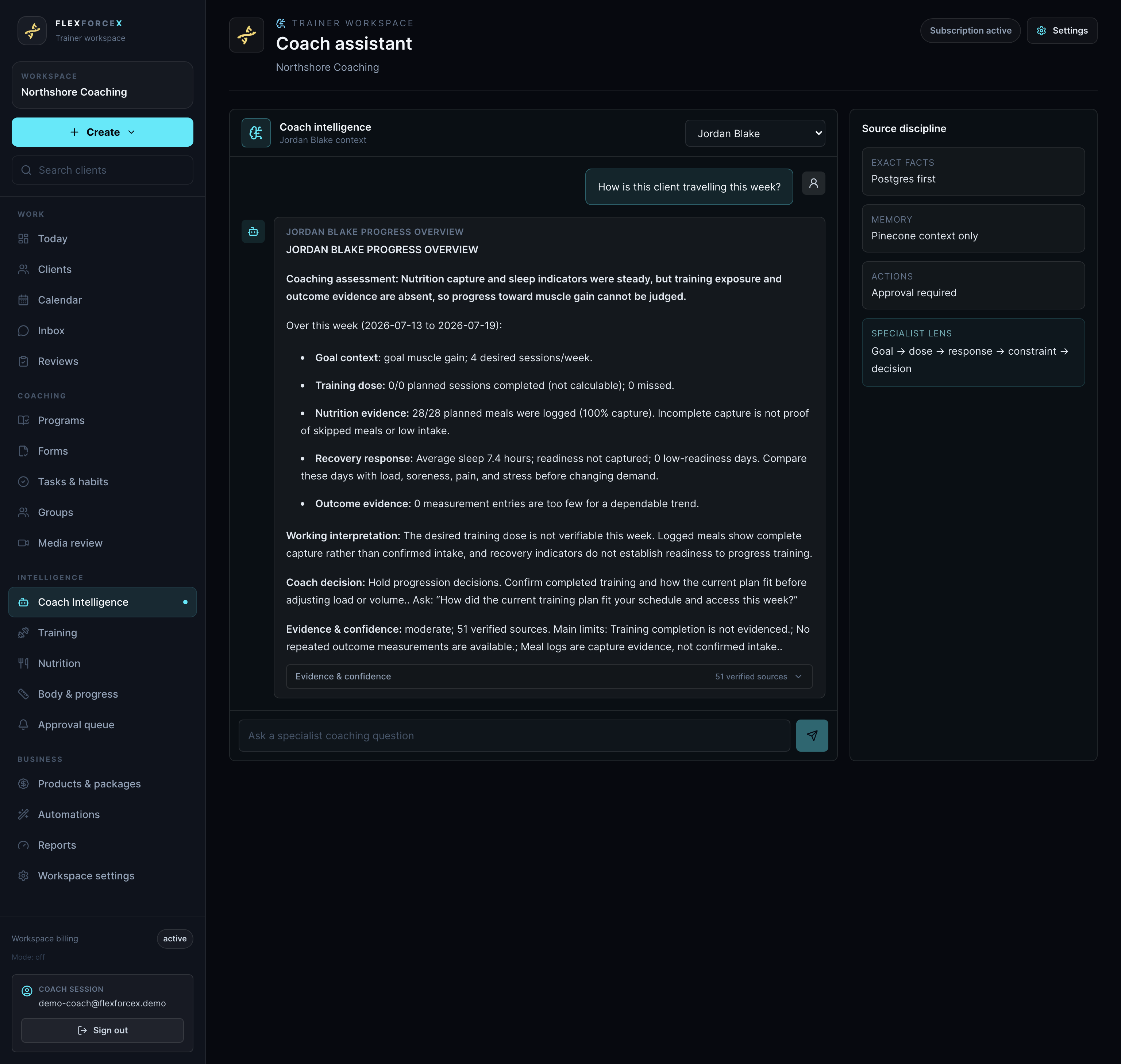
COACH INTELLIGENCE
Ask a client-specific coaching question, inspect the evidence and limitations, and decide what to do. Suggested client actions are held for review rather than sent independently.
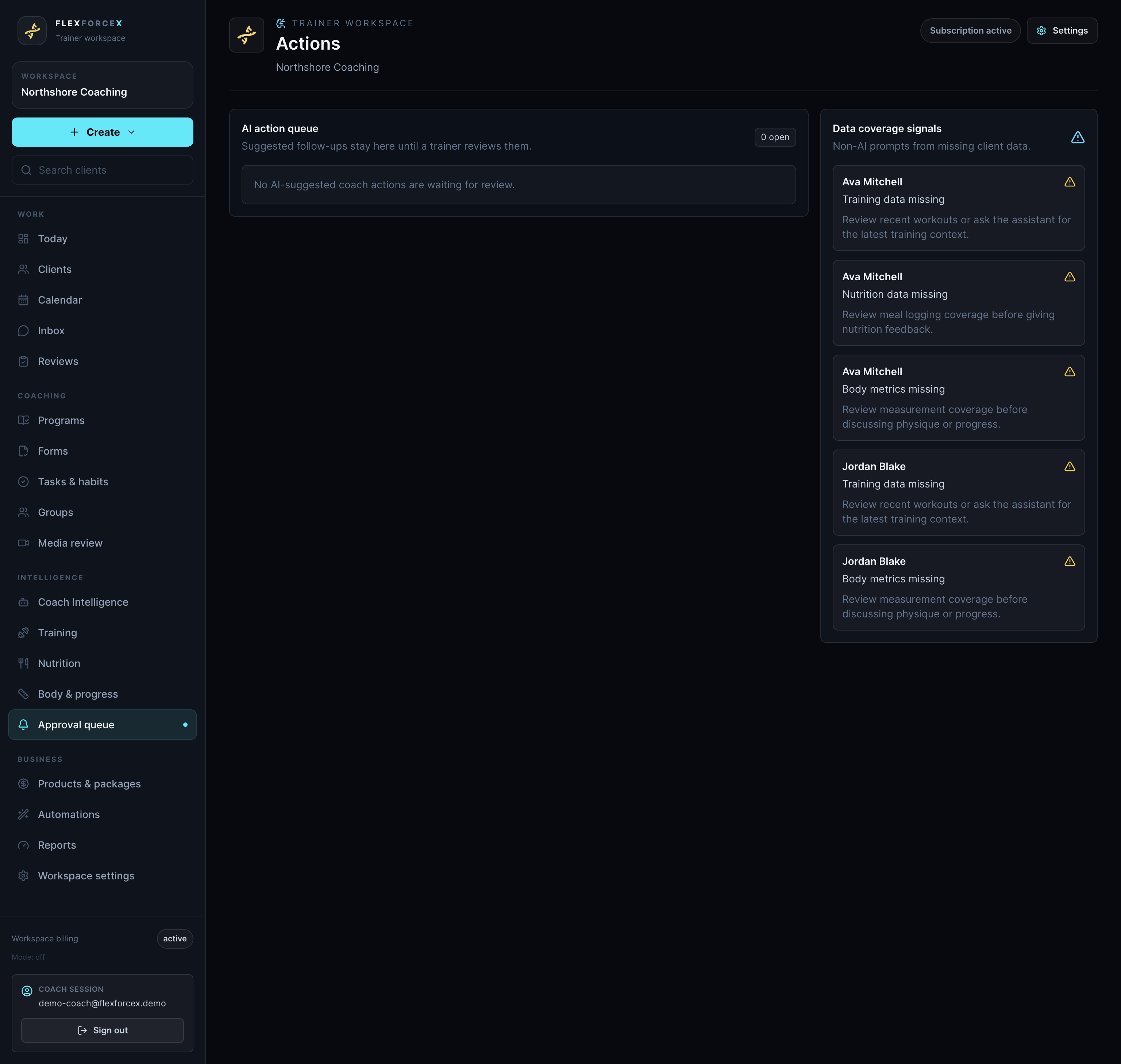
ONE WORKSPACE
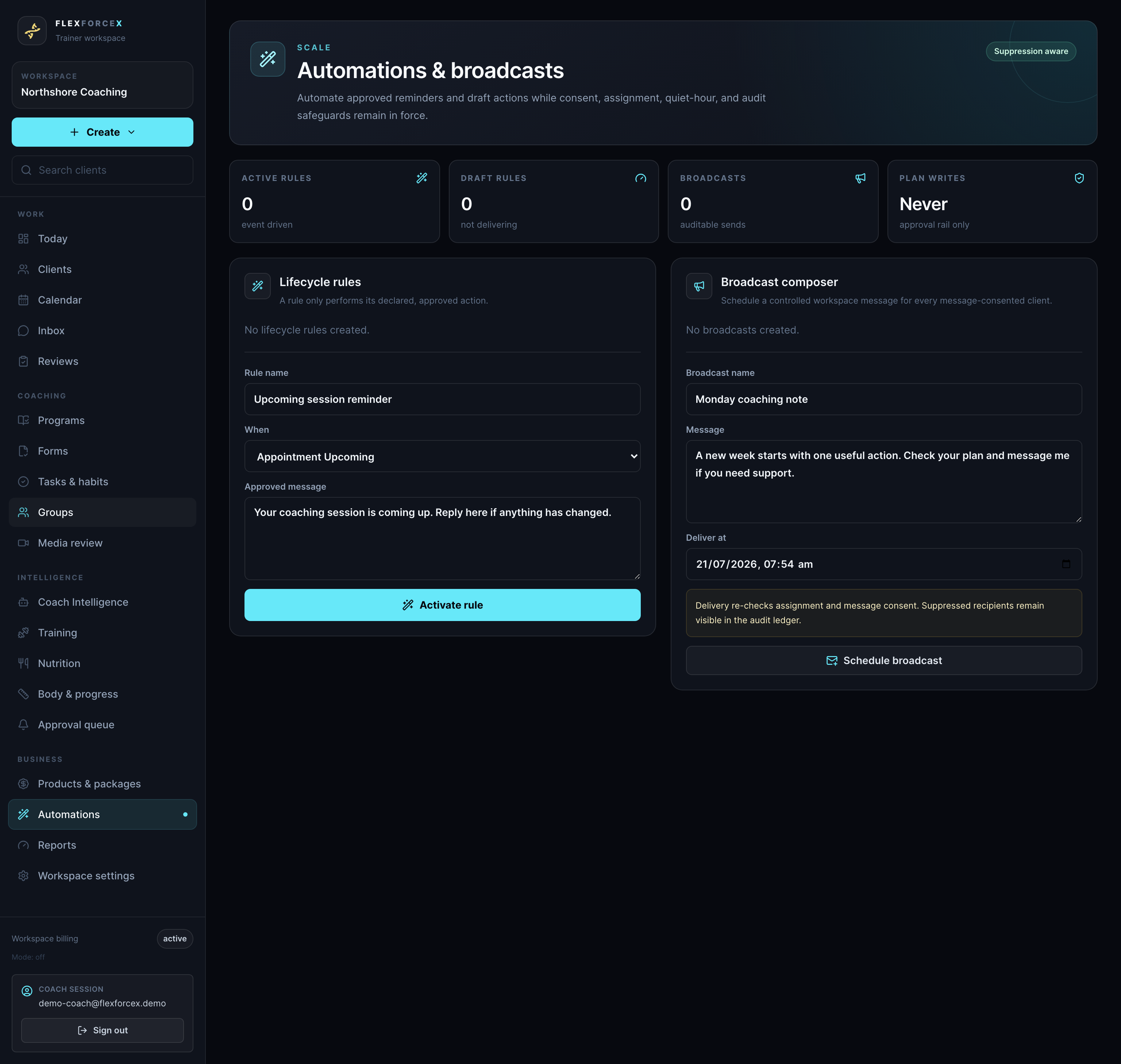
Navigation stays grouped around the way coaches work, with optional modules hidden when they are not enabled for a workspace.
Today, Clients, Calendar, Inbox and check-in Reviews.
Programs, Forms, Tasks and habits, Groups and Media review.
Coach Intelligence, triage boards and the Approval queue.
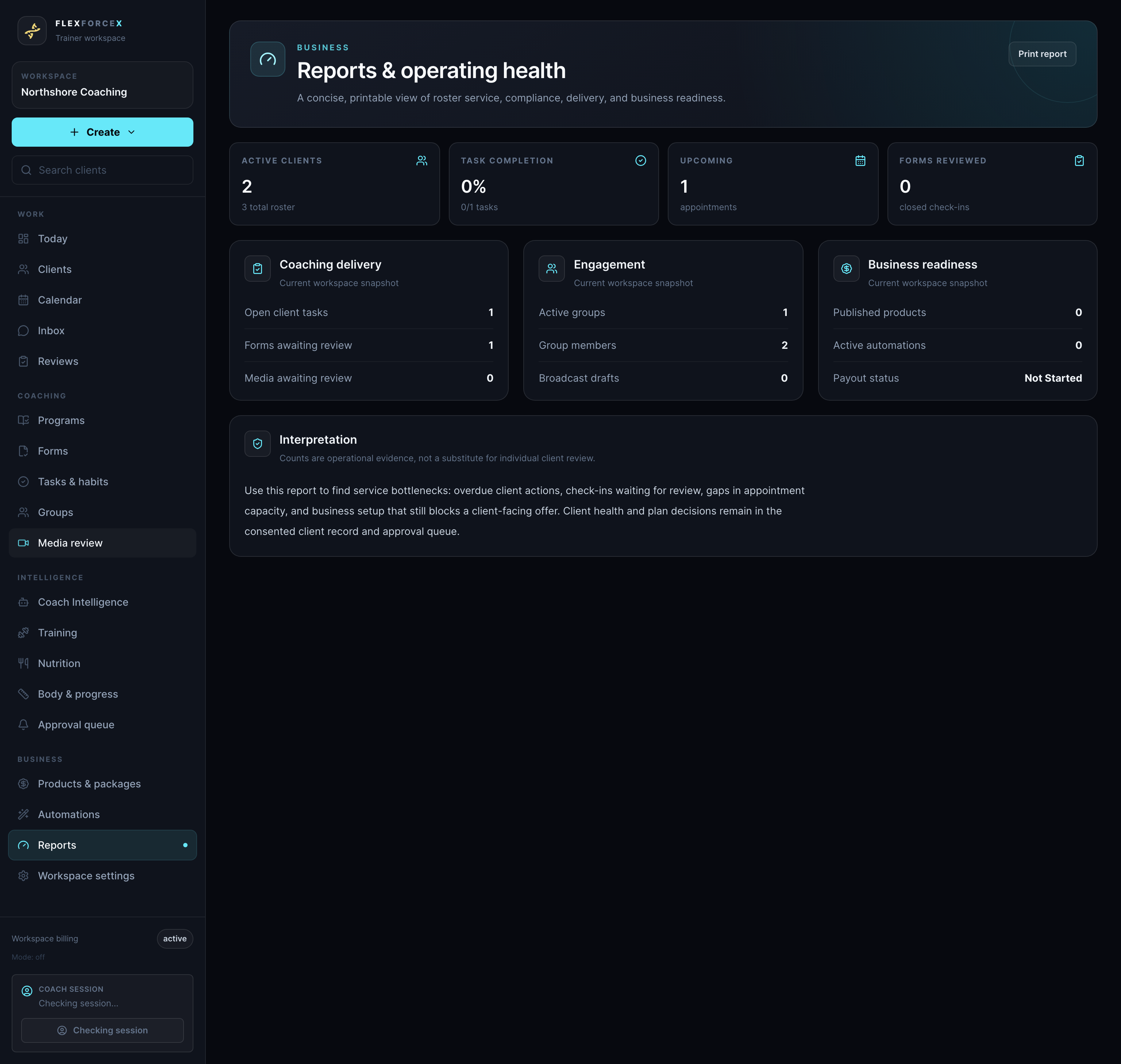
Products and packages, Automations, Reports and Workspace settings.
THE CLIENT SIDE
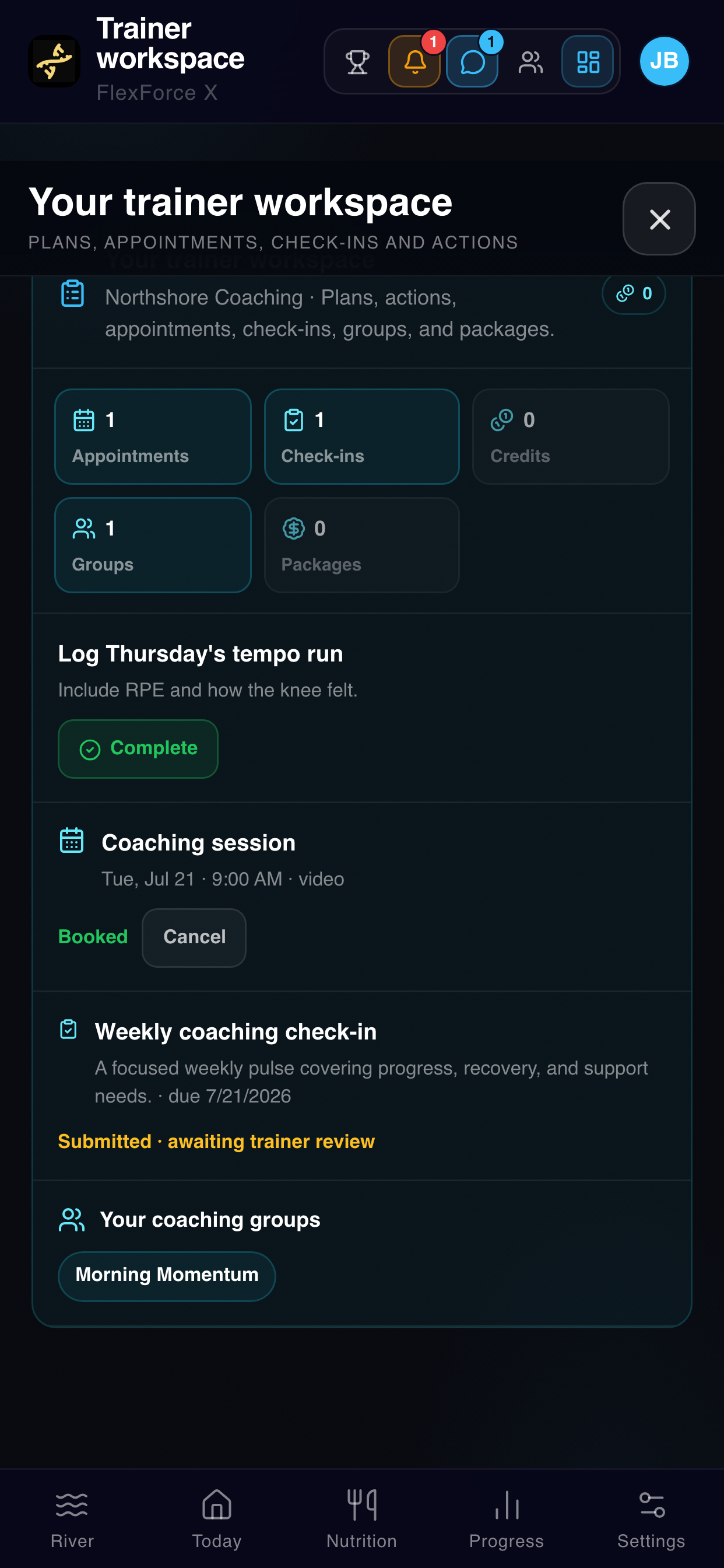
Clients manage sharing in Coach care team, then use Trainer workspace for appointments, check-ins, credits, groups, tasks, program proposals and packages. Coach messages sit alongside their other FlexForce X conversations.
PROFESSIONAL RESPONSIBILITY
FlexForce X is for general fitness, wellness and educational purposes. It is not a medical device or emergency monitoring service. Coaches remain responsible for working within their qualifications, verifying important information and referring clients when needs fall outside their scope.
FAQ
No. Clients continue using the FlexForce X app. Coach messages, approved programs, tasks, appointments, check-ins and packages appear inside their existing experience.
No client health, training, nutrition, readiness, body or message data is available before the client accepts sharing. Limited invitation details can remain visible for administration.
No. Coach Intelligence can prepare suggested actions, but coach-facing AI drafts stay in the Approval queue until an authorised coach reviews and sends them.
Coaches guide the system with day-level overrides and bounded programs. The client approves a program proposal before FlexForce X replans the week inside those constraints.
Request Trainer Workspace access, or open the workspace if your FlexForce X account is already connected.